Science Justification Page
The Science Page (see Figure 8) enables science justification document to be uploaded in a portable document format (PDF).
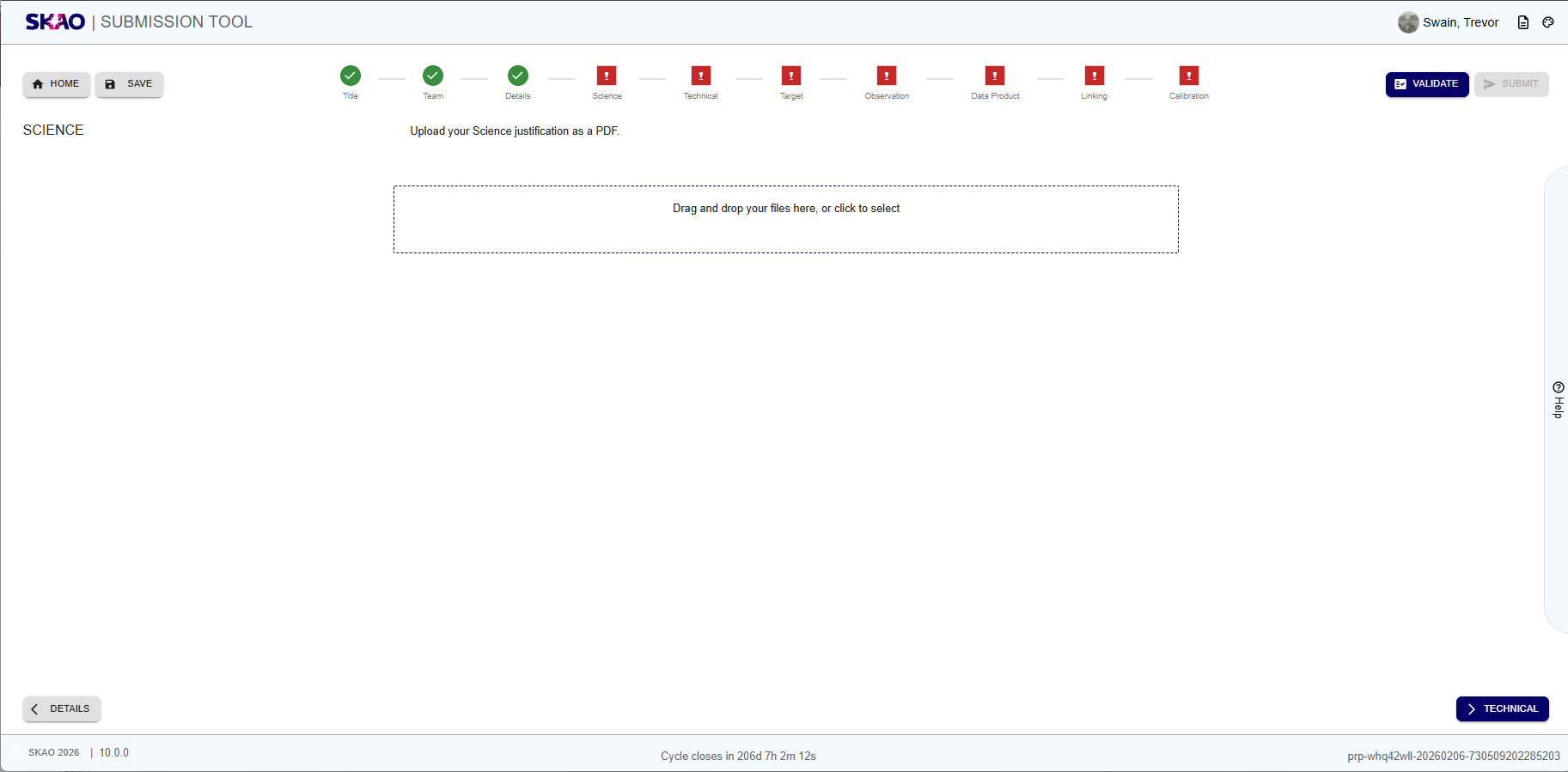
Figure 29 : Science Justification page before uploading a file.
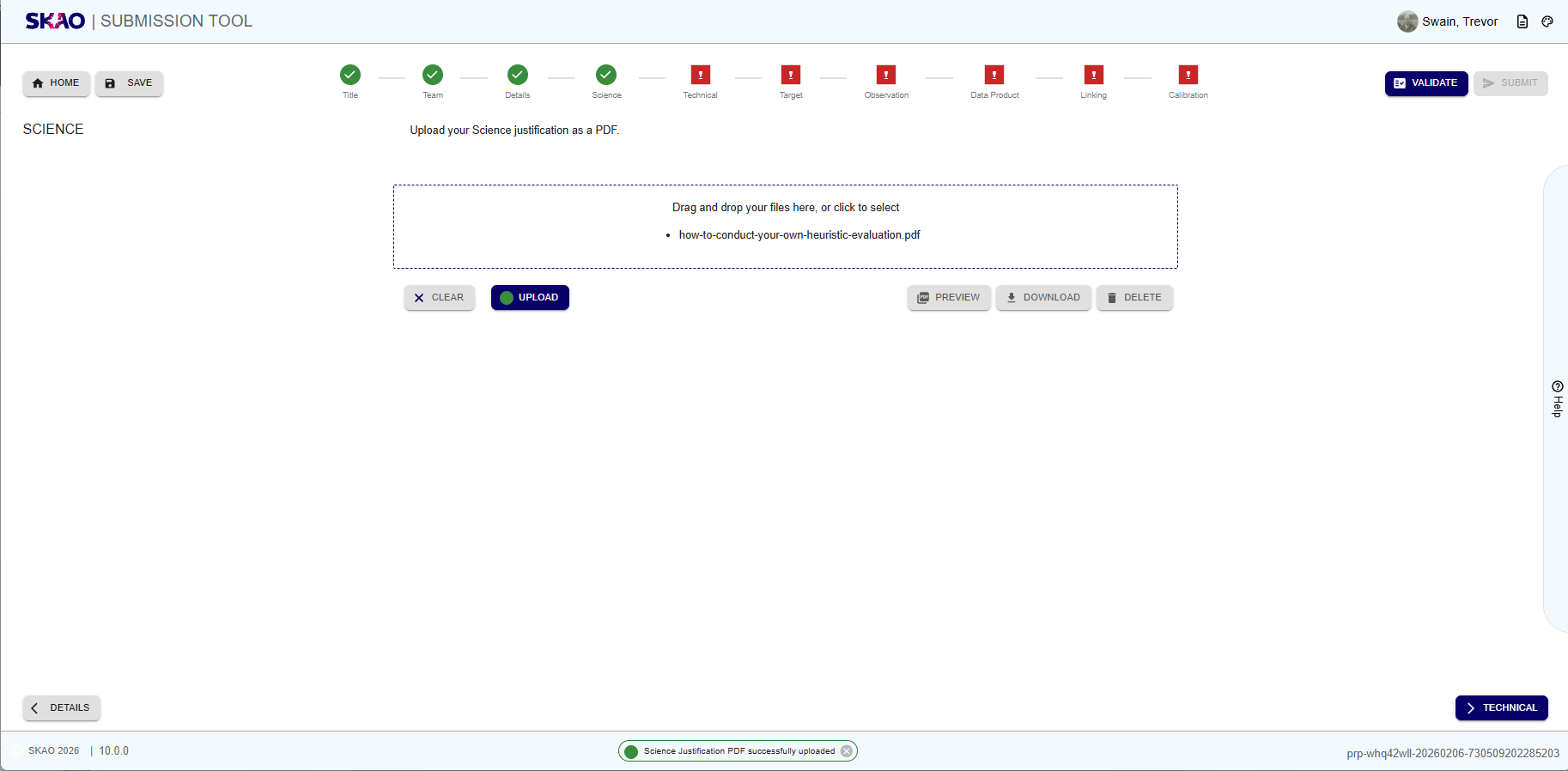
Figure 30 : Science Justification page after uploading a file.
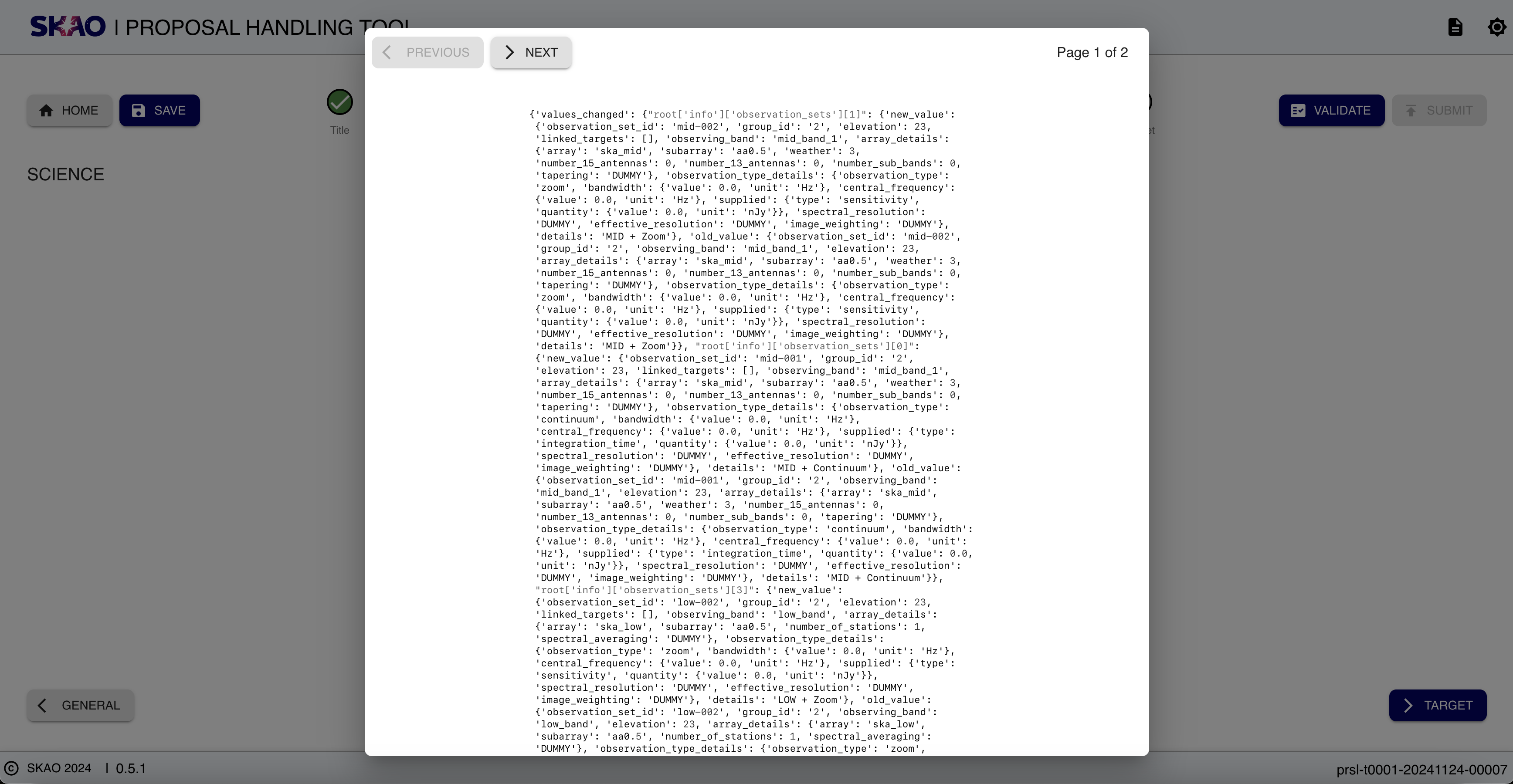
Figure 31 : Science Justification file preview.
Note
Technical Page is identical to the Science Justification page and has identical functionality.
Layout and Navigation
The Science & Technical Pages have clear and consistent options as outlined on the table below:
Click the selection area to select a file from a local device. Once a file is selected, the
 and
and  buttons become visible.
Click
to clear the selected file and start again or to uplod the selected file.Once the file is uploaded, the science page will look like Figure 9.
In Figure 9, the
 deletes the uploaded file and the
  button downloads a copy of the uploaded file to a local device.
The
 brings up a modal that views the uploaded file as shown in Figure 10. To exit the preview modal, click outside the modal.
Key Information and Actions
Upload scientific justification document in PDF format.
Currently, only one PDF upload is allowed for the science justification.
Delete uploaded PDF
Preview uploaded PDF
Have questions or need technical assistance? Contact SKAO Help desk ·