Introduction
The Proposal Preparation Tool (PPT) allows you to prepare and submit a proposal to the Square Kilometer Array Observatory (SKAO).
The PPT supports both light and dark modes and can be accessed at the top right corner of the application through the  icon.
icon.
When using the tool as a non-logged in user, functionality is restricted to only the target and observation page.

Figure 1 : Status, Navigation and Validation displayed at the top of each page in a proposal.
Capabilities prior to login:
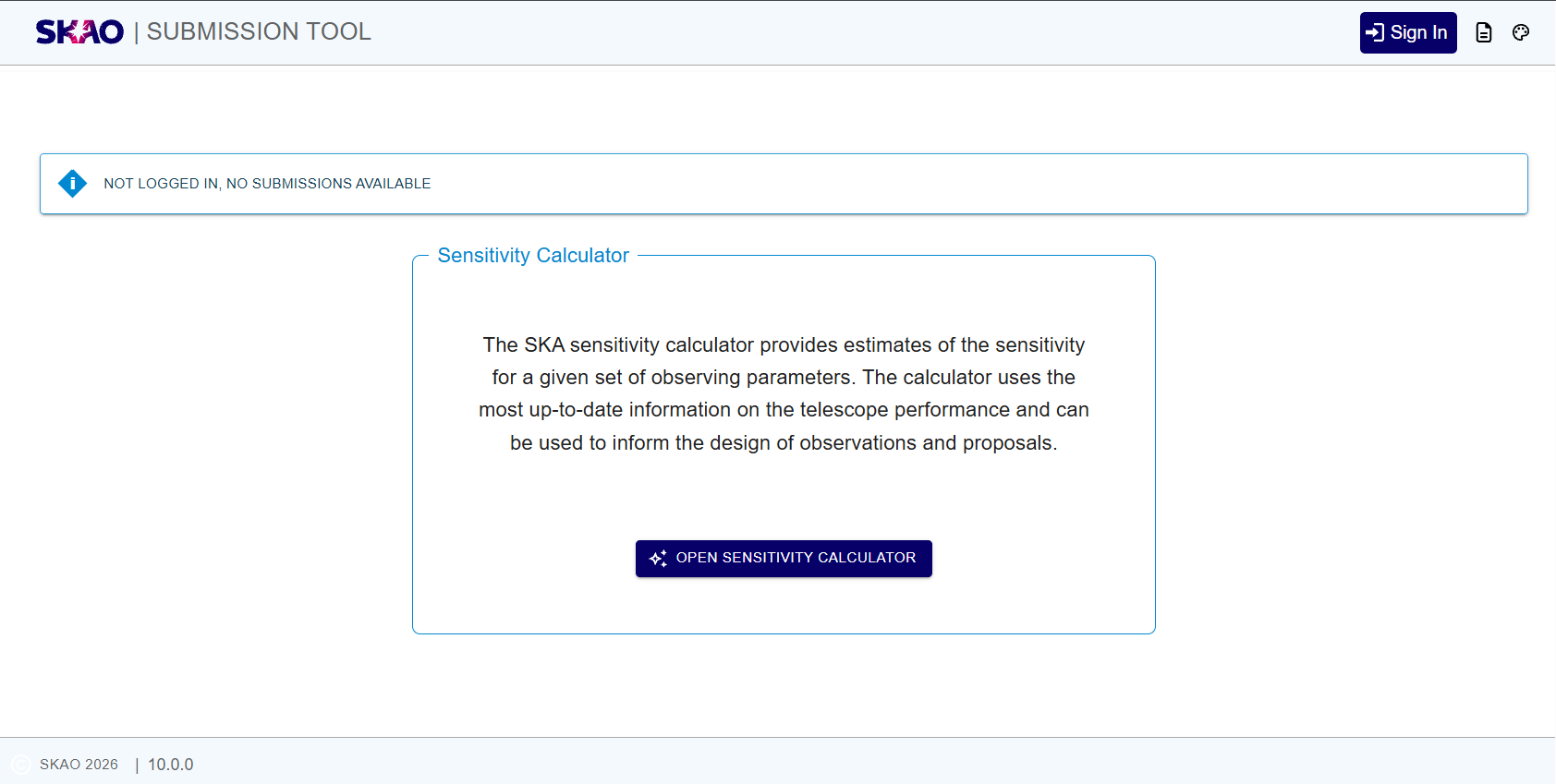
Figure 2 : Application prior to login.
Current implementation is that the user can only access the various pages of the application once they have logged. Prior to login, the user is presented with an option to navigate to the Sensitivity Calculator Tool, as shown above
Common Elements Overview:
Common elements are recurring components found across multiple pages in the tool. They provide consistency and familiarity as they navigate through different sections. Below is an overview of the common elements that you will encounter throughout the PPT.
Element |
Description |
|---|---|
Status Indicators |
Displayed at the top of the page. It shows the validation status as seen in Figure 1 on each page in the flow. Additionally, Figure 1 provides navigation and status of each page.
|
Home Button |
Positioned at the top left corner (see Figure 1), enabling you to return to the Landing Page. |
Save Button |
Located at the top left corner (see Figure 1), next to the home button, allowing the progress of a proposal to be saved. |
Validate Button |
Positioned at the top right (see Figure 1) of the page. This allows a proposal to be validated against the capabilities of a current cycle. |
Submit Button |
Located at the top right corner (see Figure 1) of the page. This buttons only becomes active after a proposal passes validation. |
Dynamic Help |
Always on the right side of the page. Hovering over fields provides contextual descriptions and guidance for elements across all pages. |




Please note
This is an MVP version of PPT which offers a subset of the functionalities planned. At the moment, one can
Create, view, and edit proposals.
Specify individual targets or upload a list of targets in ICRS.
Define observation sets.
Add Observatory data products (Currently under development, with full functionality coming soon.)
Have questions or need technical assistance? Contact SKAO Help desk ·