Submit Confirmation Page
Before submitting your proposal, click the “validate” button to check its compatibility with the telescope’s capabilities for the current cycle. If valid, a confirmation message will appear at the bottom. If not valid, the confirmation button will remain disabled, and a modal will display the validation issues (see Figure 22).
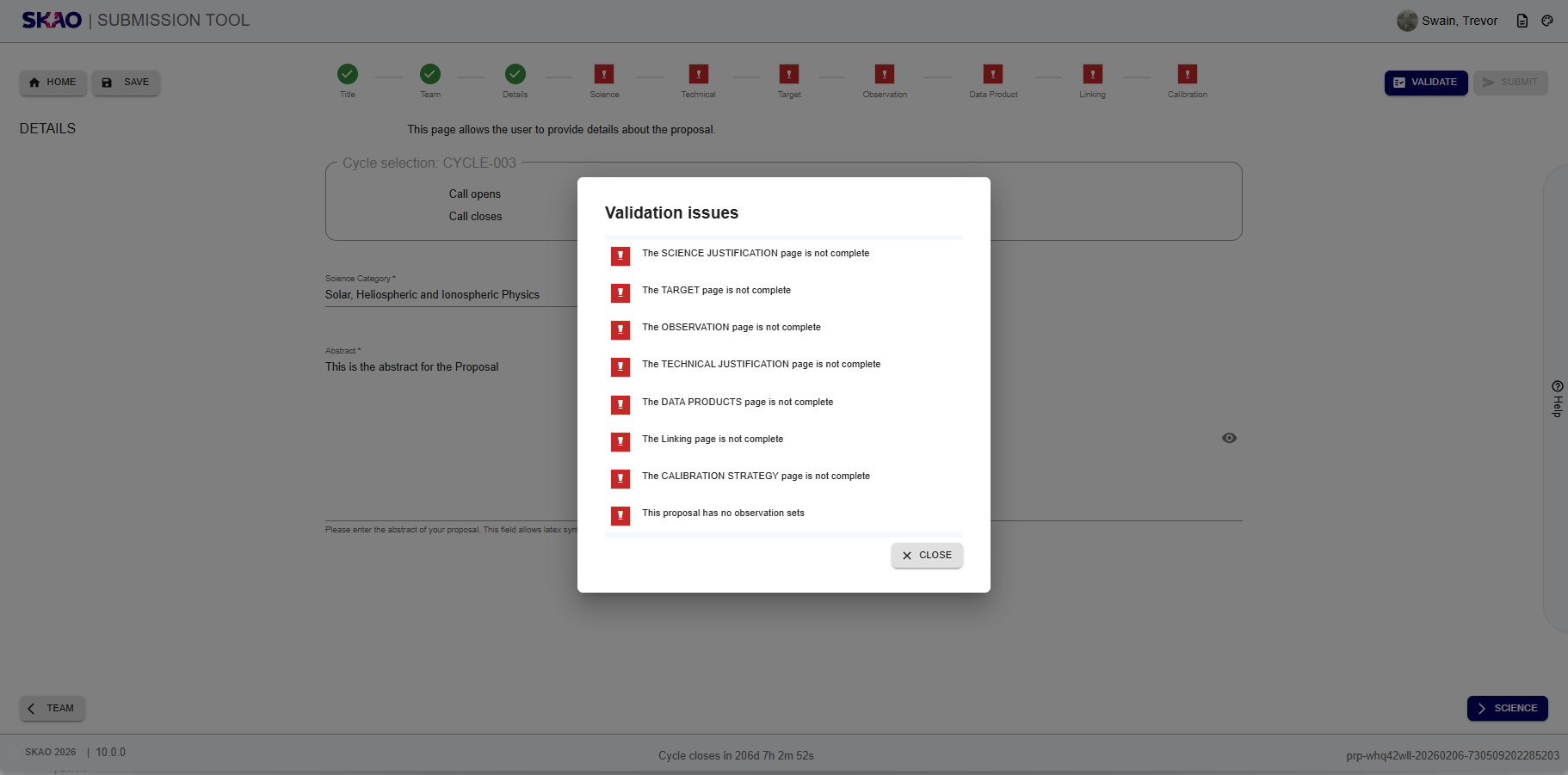
Figure 55 : Image of the validation failed modal
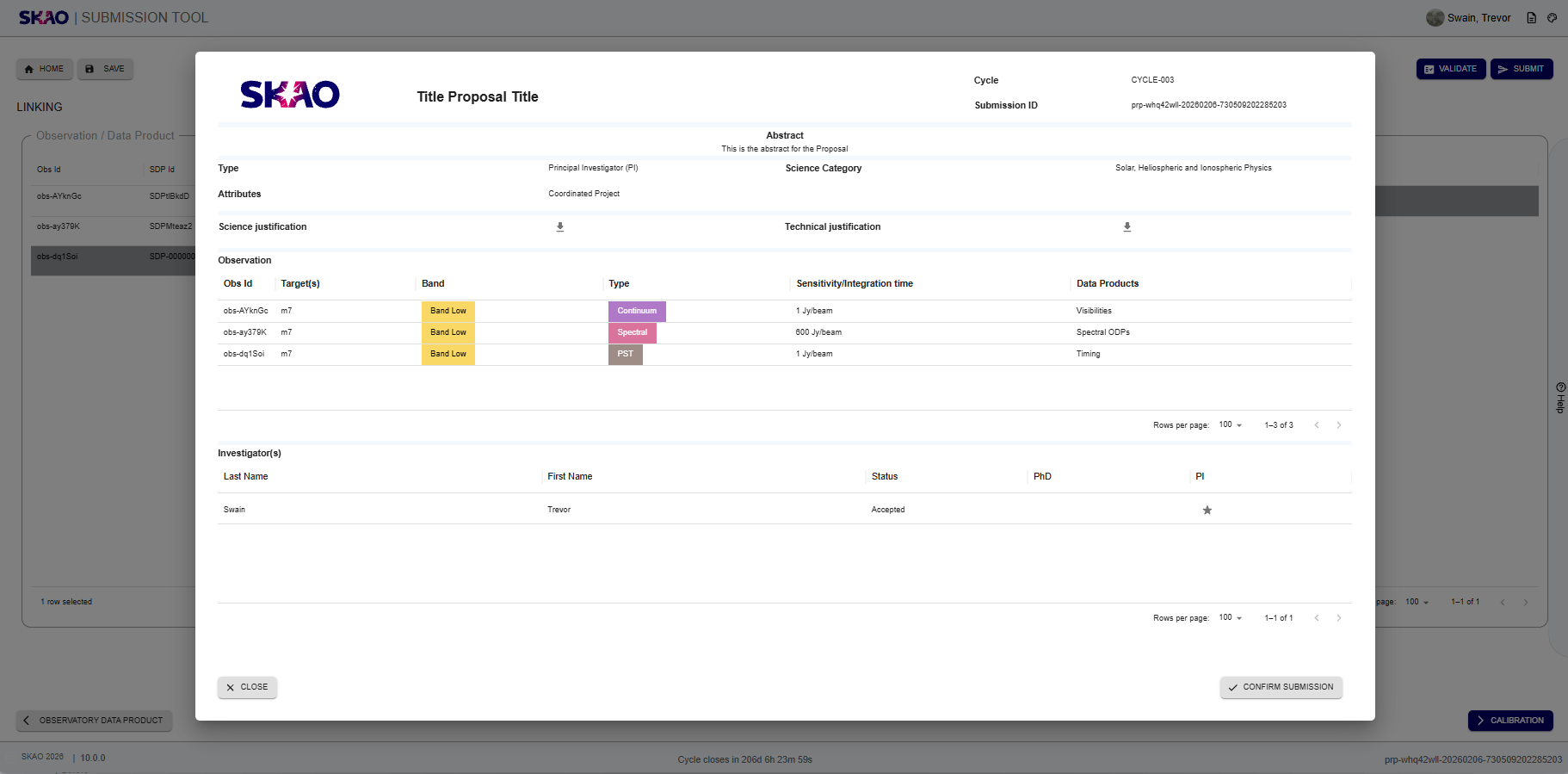
Figure 56 : Image of the proposal sumary modal
Clicking ‘Submit’ after that will bring up a Confirmation Page summarizing your proposal (see Figure 23). Review and click ‘Confirm’ to proceed or ‘Cancel’ to abandon submission at this time.
Have questions or need technical assistance? Contact SKAO Help desk ·