

Vault#
Vault
Manage secrets and configuration securely at SKAO.
Manage secrets and configuration securely across SKAO environments.
HashiCorp Vault controls access to sensitive credentials in low-trust environments. SKAO uses Vault as a secure configuration store for secrets, Helm charts, and networking configurations.
Set up Vault Secrets Operator and migrate from deprecated solutions.
Rotate secrets, supply Helm values from Vault, and integrate with GitLab CI/CD.
VaultStaticSecret resources, DeviceServer configuration, and debugging guides.
Vault structure, KV engines, path naming standards, and access control.
Why Vault?#
Vault provides:
Security — Centralised secrets management with fine-grained access control
Audit trails — Track who accessed what secrets and when
Consistency — Single source of truth across data centres and environments
Kubernetes integration — Seamless secret synchronisation via Vault Secrets Operator
Accessing Vault#
Log in to Vault using your GitLab account. This authentication method uses your GitLab group membership to control access to team-specific KV engines and paths.
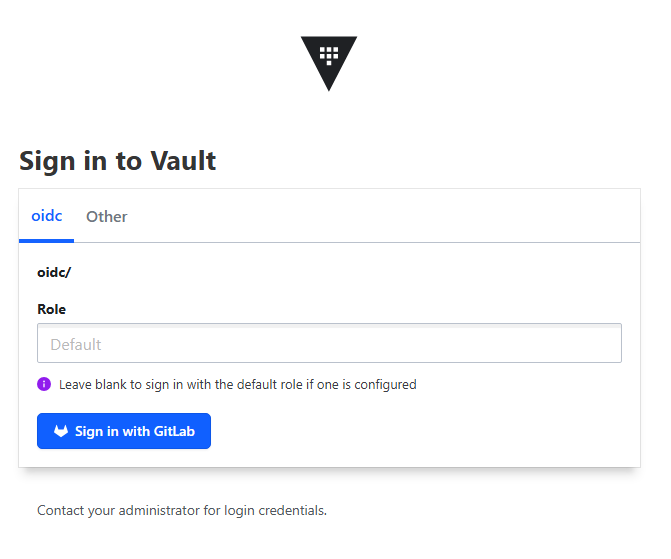
After logging in with the Sign in with GitLab option, access the secrets page to manage your configurations.
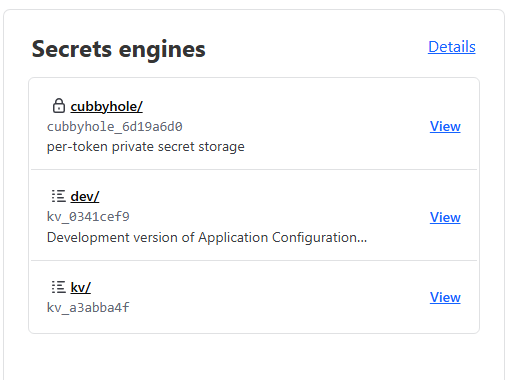
Where to store secrets#
Personal secrets:
Store in kv/users/<gitlab-username>/<secret-path>
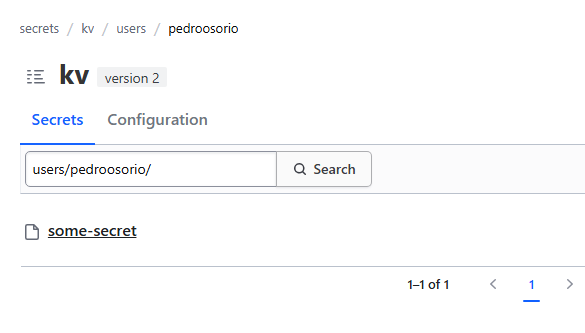
Team secrets:
Store in dev/<team-slug>/ where <team-slug> matches your team’s GitLab group at ska-telescope/ska-dev.
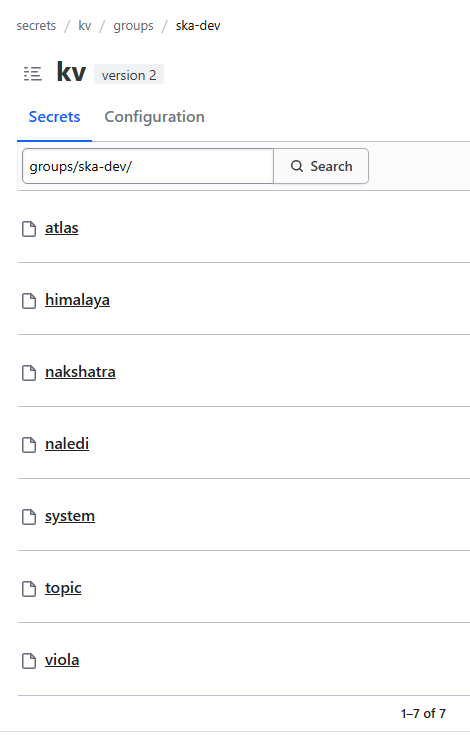
Note
Create secrets in subdirectories only — the root path blocks direct secret creation.
Before adding secrets, read the How It Works to understand the SKAO Vault structure and naming conventions.
Key resources#
Vault Web UI — Access Vault with GitLab SSO
Vault Secrets Operator Documentation — Official VSO guide
GitLab Feature Flags with Vault — GitLab CI/CD integration