Observation Page
On entering the observation page, it will look like Figure 14. Science Verifications only allow for a single observation, which is automatically created once there is a valid Observing mode ( General Page ) and a valid Target ( Target Page ).
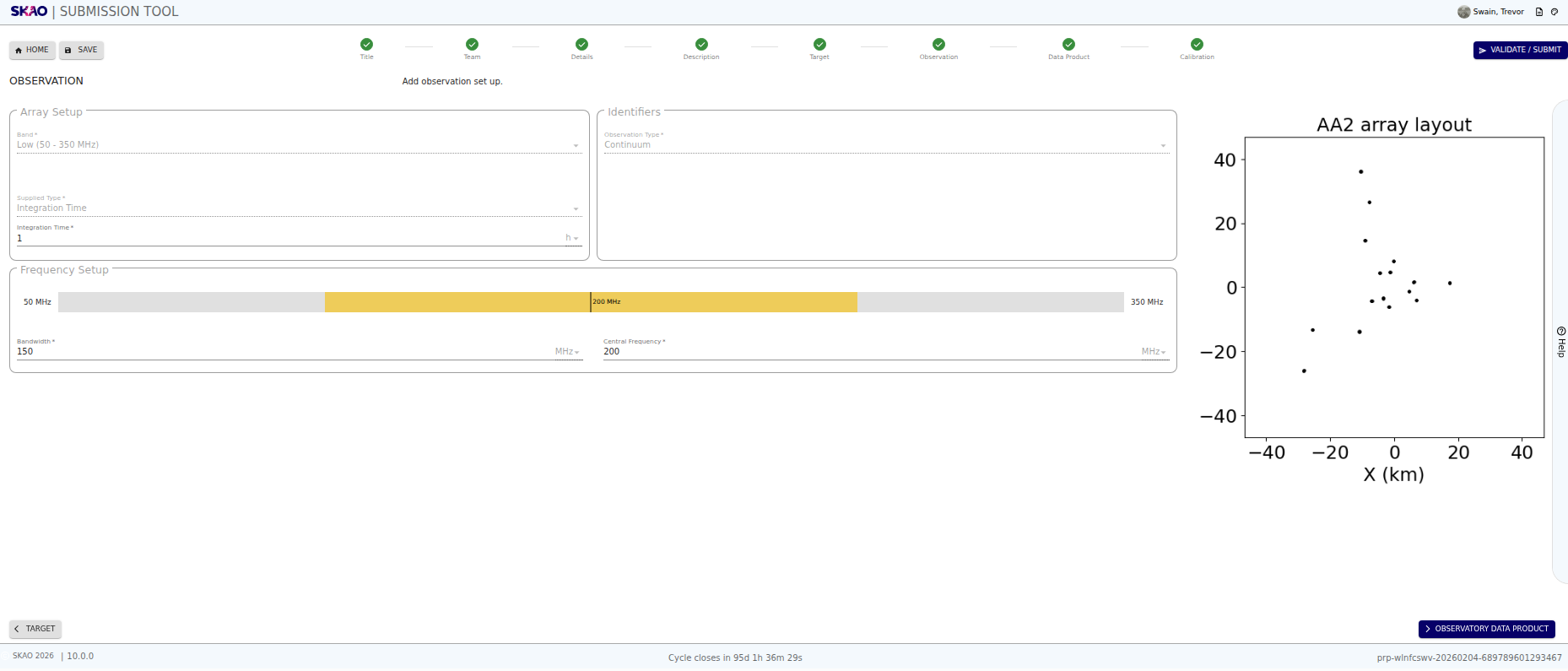
Figure 14 : Image of the Observation page.
Key Information and Actions
The Observation Page allows you to update an observation entry.
Have questions or need technical assistance? Contact SKAO Help desk ·