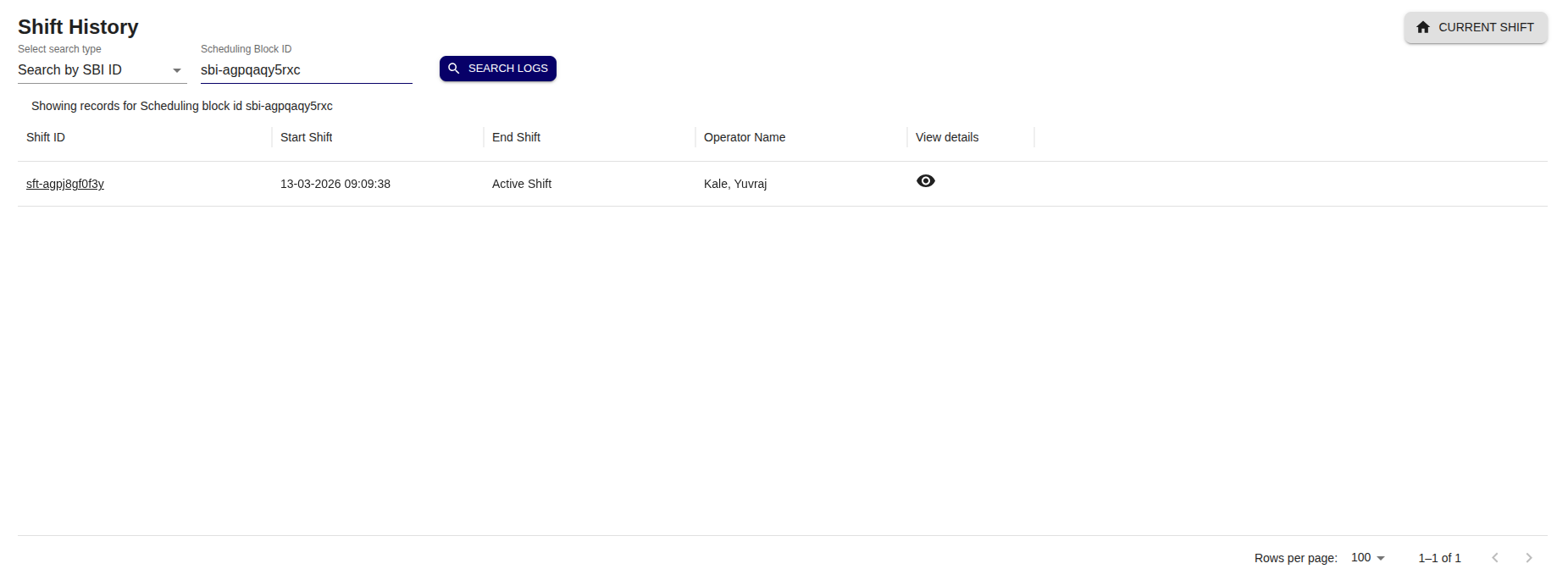
Shift History Page
Today’s Shift
When the user visits the history page by clicking on button  user will be able to view todays shift details by default as shown below.
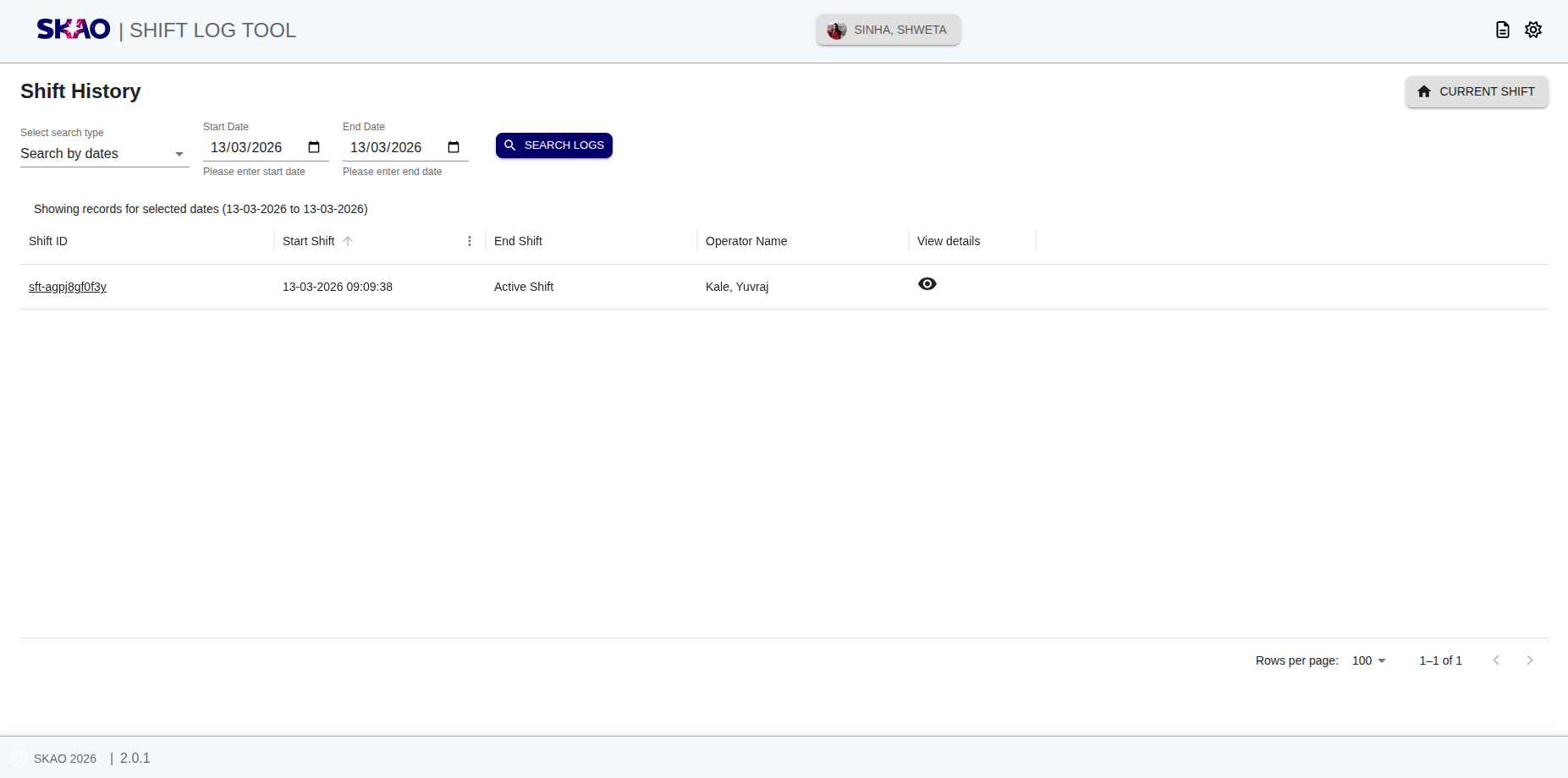
Search by Dates
User will be able to select search type “Search By dates” from dropdown then user can select Start Date and End Date form date picker on UI and click on  button as shown below

User will be able to view the results in tabular format as shown below image.
Search by Operator Name
User will be able to select search type “Search By operator” from dropdown then user can select Operator name from the dropdown on UI and click on button as shown below

User will be able to view the results in tabular format as shown below image.
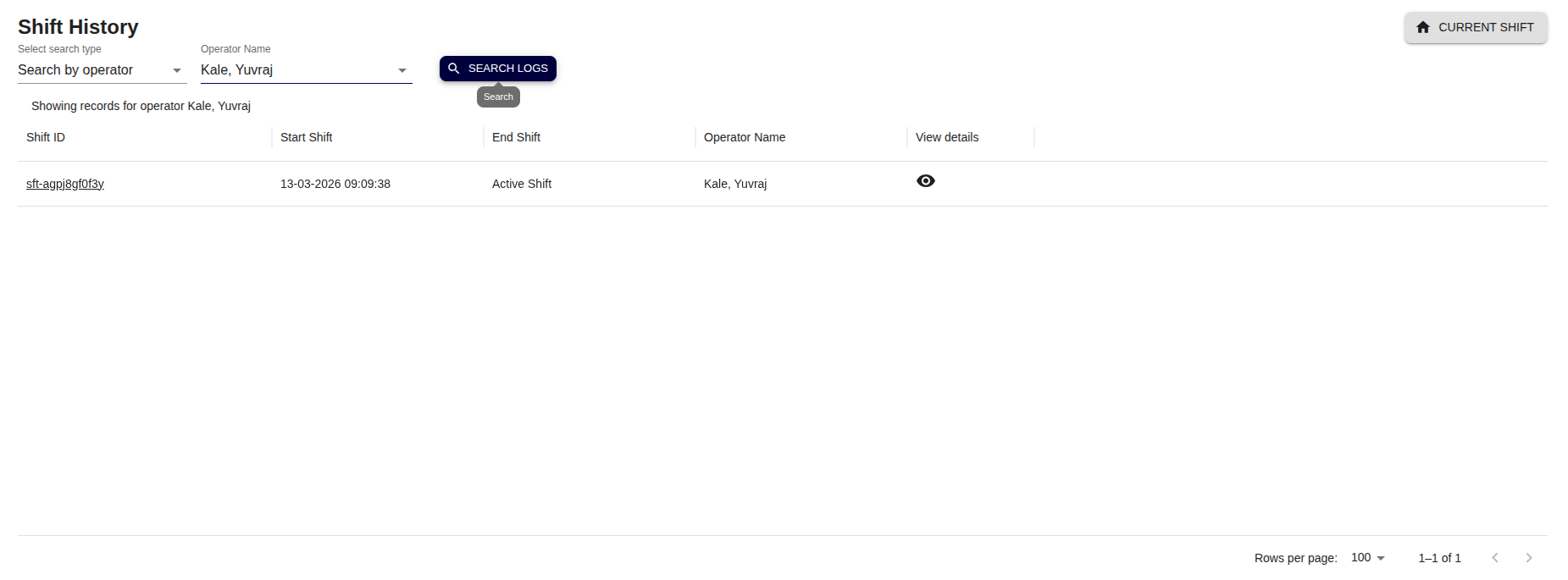
Search by Status
User will be able to select search type “Search by Status” from dropdown then user can select Status from the dropdown on UI and click on button as shown below
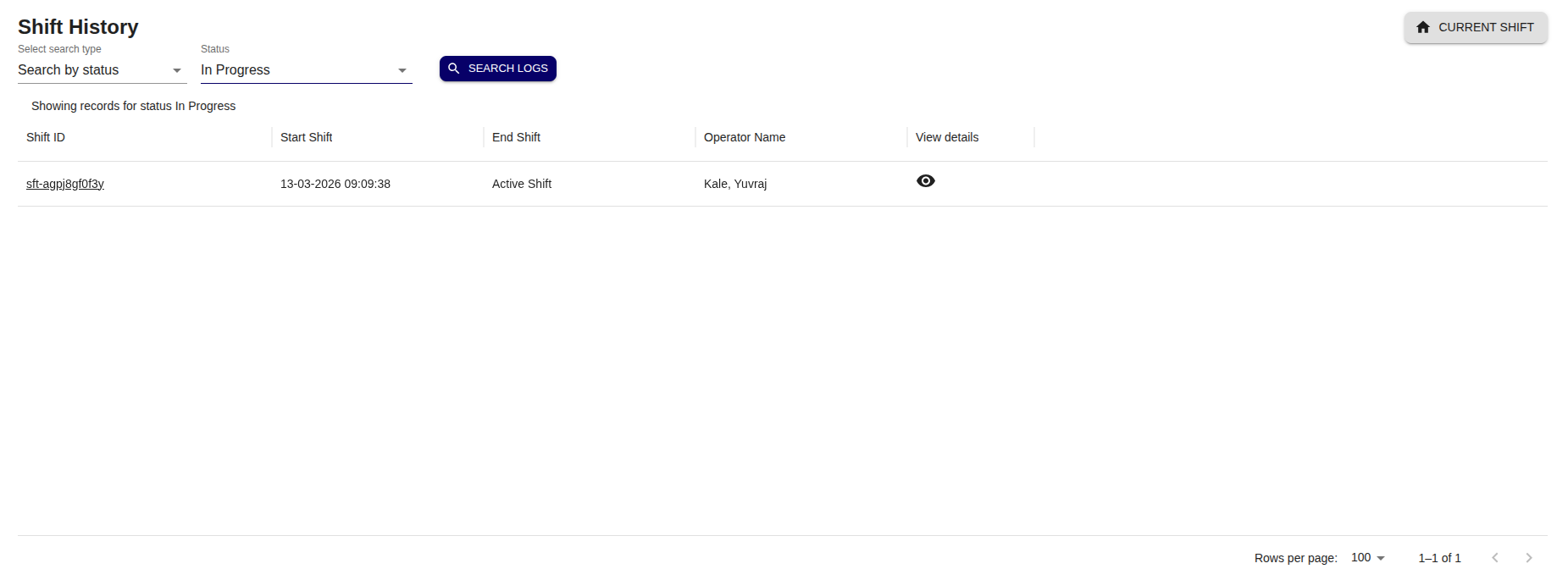
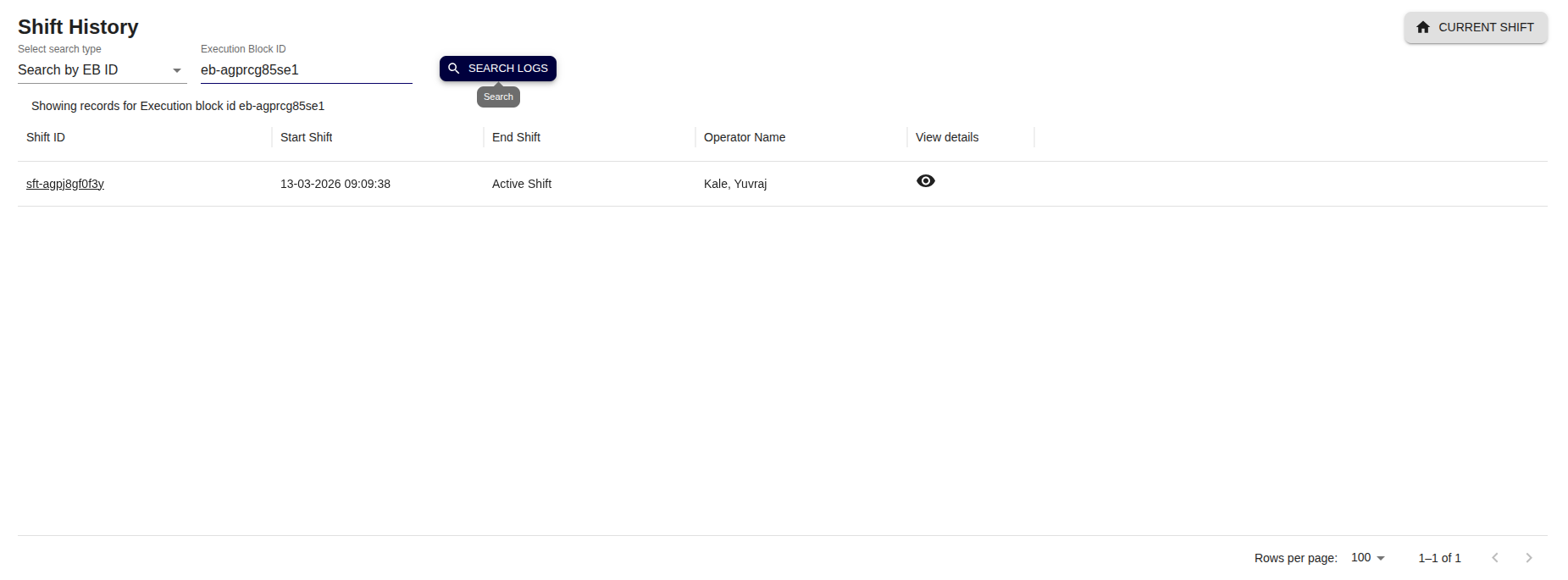
Search by EB ID
User will be able to select search type “Search by EB ID” from dropdown then user can add eb id pattern search string on UI and click on button as shown below
Search by SBI ID
User will be able to select search type “Search by SBI ID” from dropdown then user can add sbi id pattern search string on UI and click on button as shown below