Uploading GSM data
The GSM provides both an API and browser interface for uploading multiple sky survey catalogue files in a single atomic batch operation into the GSM database. The API is the recommended and primary method for uploading data. The browser-based interface is deprecated and will be removed in a future release.
Base API URL
Access to the GSM API requires the user to know the base URL for where the GSM is installed. With the SDP installed on the DP cluster, the following applies:
Use the internal service DNS name:
http://ska-sdp-gsm.<KUBE_NAMESPACE>
Where <KUBE_NAMESPACE> is the SDP control namespace.
API Endpoints
Endpoint |
Parameters |
Description |
|---|---|---|
|
|
|
|
|
|
|
|
|
|
|
|
|
|
|
|
Upload and ingest CSV files
Endpoint: POST /upload-sky-survey-batch
Upload and ingest one or more sky survey CSV files to the staging table.
Important
Data uploaded via this endpoint is NOT automatically added to the main database.
After a successful upload, you MUST:
Review the staged data using
GET /review-upload/{upload_id}Commit the data using
POST /commit-upload/{upload_id}
If you do not commit the upload, the data will remain in staging and will not be visible in the GSM.
All files in the batch are combined into a single sky model. If any file fails validation or ingestion, the entire batch is rolled back.
Note
This has been tested inside the cluster, with file sizes up to 200MB (~1,000,000 rows), with no known issue. Using port forwarding and curl, a catalogue of 2GB or 10,000,000 rows was successfully uploaded.
The catalogue version is not supplied by the user — it is automatically assigned when the upload is committed (see Commit Staged Upload).
Parameter |
Description |
Data Type |
Required |
|---|---|---|---|
|
JSON file with catalogue metadata ( |
File (JSON) |
Yes |
|
One or more CSV files containing standardized sky survey data |
list[File] |
Yes |
Response:
{
    "upload_id": "550e8400-e29b-41d4-a716-446655440000",
    "status": "uploading",
    "catalogue_name": "GLEAM"
}
The endpoint returns immediately with status “uploading”. Ingestion to staging table proceeds asynchronously in the background. Use the status endpoint to monitor completion, then review and commit.
Example Usage:
# Upload metadata and one or more CSV files
    curl -X POST "<GSM_API_URL>/upload-sky-survey-batch" \\
        -F "metadata_file=@metadata.json;type=application/json" \\
        -F "csv_files=@test_catalogue_1.csv;type=text/csv" \\
        -F "csv_files=@test_catalogue_2.csv;type=text/csv"
Python Example:
import requests
import time

url = "<GSM_API_URL>/upload-sky-survey-batch"

# Upload metadata and multiple CSV files
files = [
    ("metadata_file", ("metadata.json", open("metadata.json", "rb"), "application/json")),
    ("csv_files", ("test_catalogue_1.csv", open("test_catalogue_1.csv", "rb"), "text/csv")),
    ("csv_files", ("test_catalogue_2.csv", open("test_catalogue_2.csv", "rb"), "text/csv")),
]
response = requests.post(url, files=files)

result = response.json()
print(f"Upload ID: {result['upload_id']}")
print(f"Catalogue: {result['catalogue_name']}")
print(f"Status: {result['status']}")  # Will be "uploading"

# Poll for completion
status_url = f"{url.replace('/upload-sky-survey-batch', '')}/upload-sky-survey-status/{result['upload_id']}"
while True:
    status_response = requests.get(status_url)
    status_data = status_response.json()
    if status_data['state'] in ['completed', 'failed']:
        break
    time.sleep(2)

print(f"Final status: {status_data['state']}")
Get upload status
Endpoint: GET /upload-sky-survey-status/{upload_id}
Retrieve the current status of a sky survey batch upload.
Parameter |
Description |
Data Type |
Required |
|---|---|---|---|
|
Unique identifier returned when the upload was initiated |
string (UUID) |
Yes |
Response:
{
    "upload_id": "550e8400-e29b-41d4-a716-446655440000",
    "state": "completed",
    "total_files": 3,
    "uploaded_files": 3,
    "remaining_files": 0,
    "errors": []
}
Upload States:
pending: Upload created but not starteduploading: Files are being uploaded and validatedcompleted: All files uploaded and ingested successfullyfailed: Upload failed (seeerrorsfield for details)
Example Usage:
curl "<GSM_API_URL>/upload-sky-survey-status/550e8400-e29b-41d4-a716-446655440000"
Python Example:
import requests
import time

upload_id = "550e8400-e29b-41d4-a716-446655440000"
url = f"<GSM_API_URL>/upload-sky-survey-status/{upload_id}"

while True:
    response = requests.get(url)
    status = response.json()

    print(f"State: {status['state']}")
    print(f"Progress: {status['uploaded_csv_files']}/{status['total_csv_files']}")

    if status['state'] in ['completed', 'failed']:
        break

    time.sleep(2)

if status['state'] == 'failed':
    print(f"Errors: {status['errors']}")
Review staged upload
Endpoint: GET /review-upload/{upload_id}
Review the status of the upload before committing to the main database. Returns total record count and the last 10 staged records to confirm all data loaded successfully.
Parameter |
Description |
Data Type |
Required |
|---|---|---|---|
|
Unique identifier returned when the upload was initiated |
string (UUID) |
Yes |
Response:
{
    "upload_id": "550e8400-e29b-41d4-a716-446655440000",
    "total_records": 200,
    "sample_range": "91-100",
    "sample": [
        {
            "component_id": "J025837+035057",
            "ra": 0.7793,
            "dec": 0.0672,
            "i_pol": 0.8354,
            "version": null
        }
    ],
    "metadata": {
        "version": null,
        "catalogue_name": "TEST_CATALOGUE_1",
        "description": "Test catalogue 1 for development and testing purposes",
        "upload_id": "550e8400-e29b-41d4-a716-446655440000",
        "epoch": "J2000",
        "author": "SKA SDP Team",
        "reference": "",
        "notes": "Sample test data for ska-sdp-global-sky-model",
        "staging": true,
        "freq_min_hz": null,
        "freq_max_hz": null
    }
}
Example Usage:
curl "<GSM_API_URL>/review-upload/550e8400-e29b-41d4-a716-446655440000"
Python Example:
import requests

upload_id = "550e8400-e29b-41d4-a716-446655440000"
url = f"<GSM_API_URL>/review-upload/{upload_id}"

response = requests.get(url)
review = response.json()

print(f"Total records: {review['total_records']}")
print(f"Sample data: {review['sample'][:3]}")  # First 3 records
Commit Staged Upload
Endpoint: POST /commit-upload/{upload_id}
Commit staged data to the main database. The catalogue version is automatically assigned at
commit time by incrementing the minor version of the previous latest version for that catalogue
(e.g. 0.1.0 → 0.2.0). If no prior version exists for the catalogue, 0.1.0 is used.
Versioning is independent per catalogue name. All components in the upload receive the same
new version. A record is created in the global_sky_model_metadata table with the version
and upload information.
Parameter |
Description |
Data Type |
Required |
|---|---|---|---|
|
Unique identifier of the staged upload to commit |
string (UUID) |
Yes |
Response:
{
    "message": "success",
    "records_committed": 200,
    "upload_id": "550e8400-e29b-41d4-a716-446655440000"
    "version": "0.2.0",
    "catalogue_name": "Test catalogue"
}
Example Usage:
curl -X POST "<GSM_API_URL>/commit-upload/550e8400-e29b-41d4-a716-446655440000"
Python Example:
import requests

upload_id = "550e8400-e29b-41d4-a716-446655440000"
url = f"<GSM_API_URL>/commit-upload/{upload_id}"

response = requests.post(url)
result = response.json()

print(f"Committed {result['records_committed']} records")
print(f"Message: {result['message']}")
Reject Staged Upload
Endpoint: DELETE /reject-upload/{upload_id}
Reject and discard staged data. All records associated with this upload_id are permanently deleted from the staging table. The catalogue metadata associated with the upload_id is also removed from the metadata table.
Parameter |
Description |
Data Type |
Required |
|---|---|---|---|
|
Unique identifier of the staged upload to reject |
string (UUID) |
Yes |
Response:
{
    "message": "Upload rejected successfully",
    "records_deleted": 200,
    "upload_id": "550e8400-e29b-41d4-a716-446655440000"
}
Example Usage:
curl -X DELETE "<GSM_API_URL>/reject-upload/550e8400-e29b-41d4-a716-446655440000"
Python Example:
import requests

upload_id = "550e8400-e29b-41d4-a716-446655440000"
url = f"<GSM_API_URL>/reject-upload/{upload_id}"

response = requests.delete(url)
result = response.json()

print(f"Rejected and deleted {result['records_deleted']} records")
print(f"Message: {result['message']}")
End-to-End Upload Workflow
A complete example of the intended workflow is provided here. See above for more information on individual steps.
Upload files to staging:
POST /upload-sky-survey-batch
Poll for completion:
GET /upload-sky-survey-status/{upload_id}
Review staged data:
GET /review-upload/{upload_id}
Commit to main database:
POST /commit-upload/{upload_id}
import requests
import time

# ------------------------------------------------------------------
# Configuration
# ------------------------------------------------------------------
base_url = "<GSM_API_URL>"  # e.g. http://ska-sdp-gsm.<KUBE_NAMESPACE>

metadata_path = "metadata.json"
csv_paths = ["test_catalogue_1.csv", "test_catalogue_2.csv"]

# ------------------------------------------------------------------
# 1. Upload files to staging
# ------------------------------------------------------------------
upload_url = f"{base_url}/upload-sky-survey-batch"

files = [
    ("metadata_file", ("metadata.json", open(metadata_path, "rb"), "application/json")),
]

for path in csv_paths:
    files.append(("csv_files", (path, open(path, "rb"), "text/csv")))

response = requests.post(upload_url, files=files)
result = response.json()

upload_id = result["upload_id"]

print(f"Upload ID: {upload_id}")
print(f"Catalogue: {result['catalogue_name']}")
print(f"Initial status: {result['status']}")
print("Data uploaded to staging. Waiting for ingestion to complete...")

# ------------------------------------------------------------------
# 2. Poll for upload completion
# ------------------------------------------------------------------
status_url = f"{base_url}/upload-sky-survey-status/{upload_id}"

while True:
    status_response = requests.get(status_url)
    status = status_response.json()

    print(
        f"State: {status['state']} | "
        f"Progress: {status['uploaded_files']}/{status['total_files']}"
    )

    if status["state"] in ["completed", "failed"]:
        break

    time.sleep(2)

if status["state"] == "failed":
    print("Upload failed!")
    print(f"Errors: {status['errors']}")
    exit(1)

print("Upload completed successfully.")

# ------------------------------------------------------------------
# 3. Review staged data
# ------------------------------------------------------------------
review_url = f"{base_url}/review-upload/{upload_id}"
review = requests.get(review_url).json()

print(f"\nRecords staged: {review['total_records']}")
print(f"Sample records: {review['sample'][:3]}")

# ------------------------------------------------------------------
# 4. Commit upload to main database
# ------------------------------------------------------------------
commit_url = f"{base_url}/commit-upload/{upload_id}"
commit_response = requests.post(commit_url).json()

print("\nCommit successful.")
print(f"Committed {commit_response['records_committed']} records")
print(f"Catalogue: {commit_response['catalogue_name']}")
print(f"Version: {commit_response['version']}")
Browser upload interface
Warning
The browser upload interface is deprecated and will be removed in a future release. Users should migrate to the API-based workflow described above.
A browser interface is available at the /upload endpoint (e.g., <GSM_API_URL>/upload).
Navigate to
<GSM_API_URL>/uploadin your web browser (replace<GSM_API_URL>with your deployment URL)
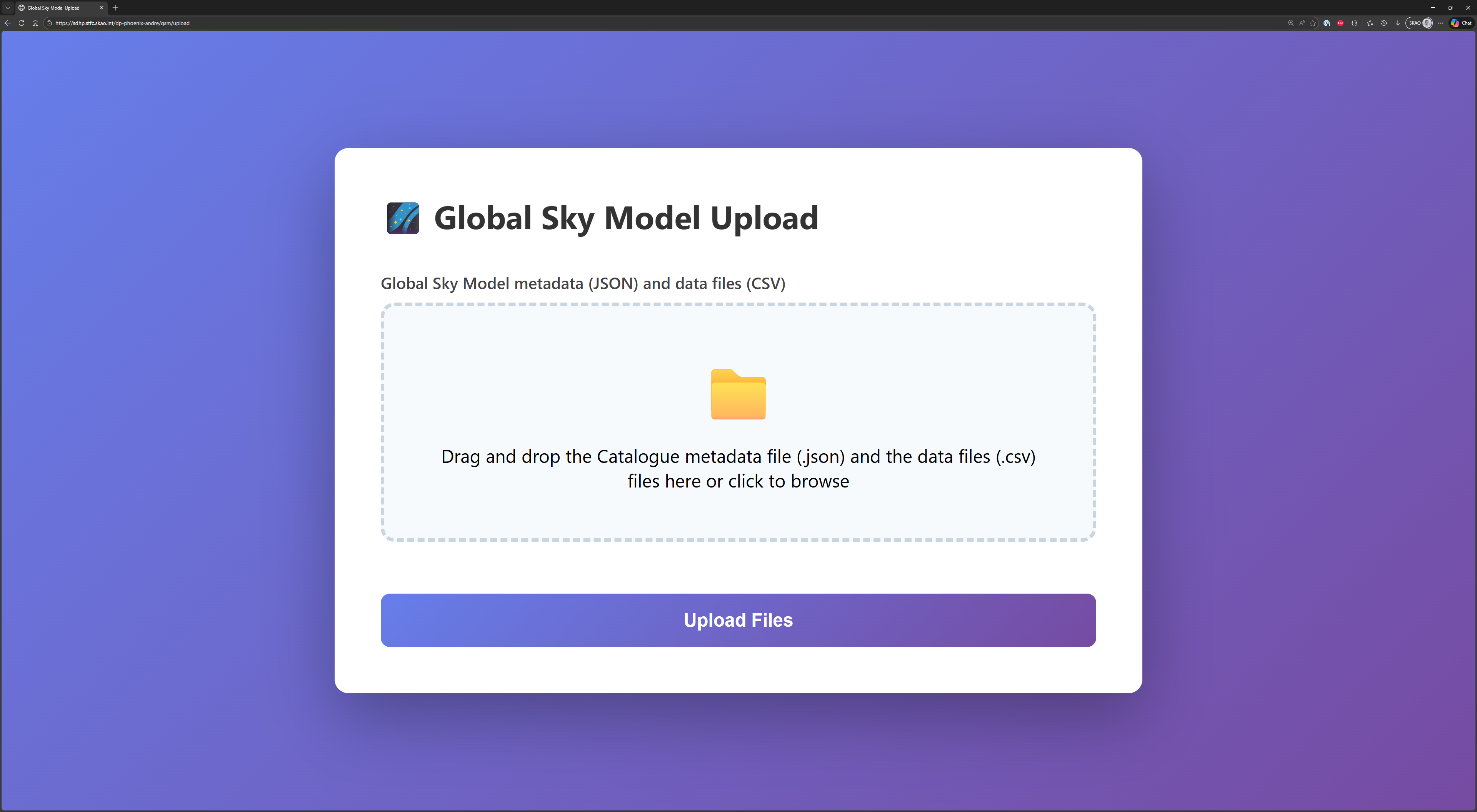
Initial upload interface screen
Drag and drop CSV files, containing data for a single catalogue version, onto the upload zone (or click to browse)
Warning
A size limit of 10MB (total) for the selected files exists.
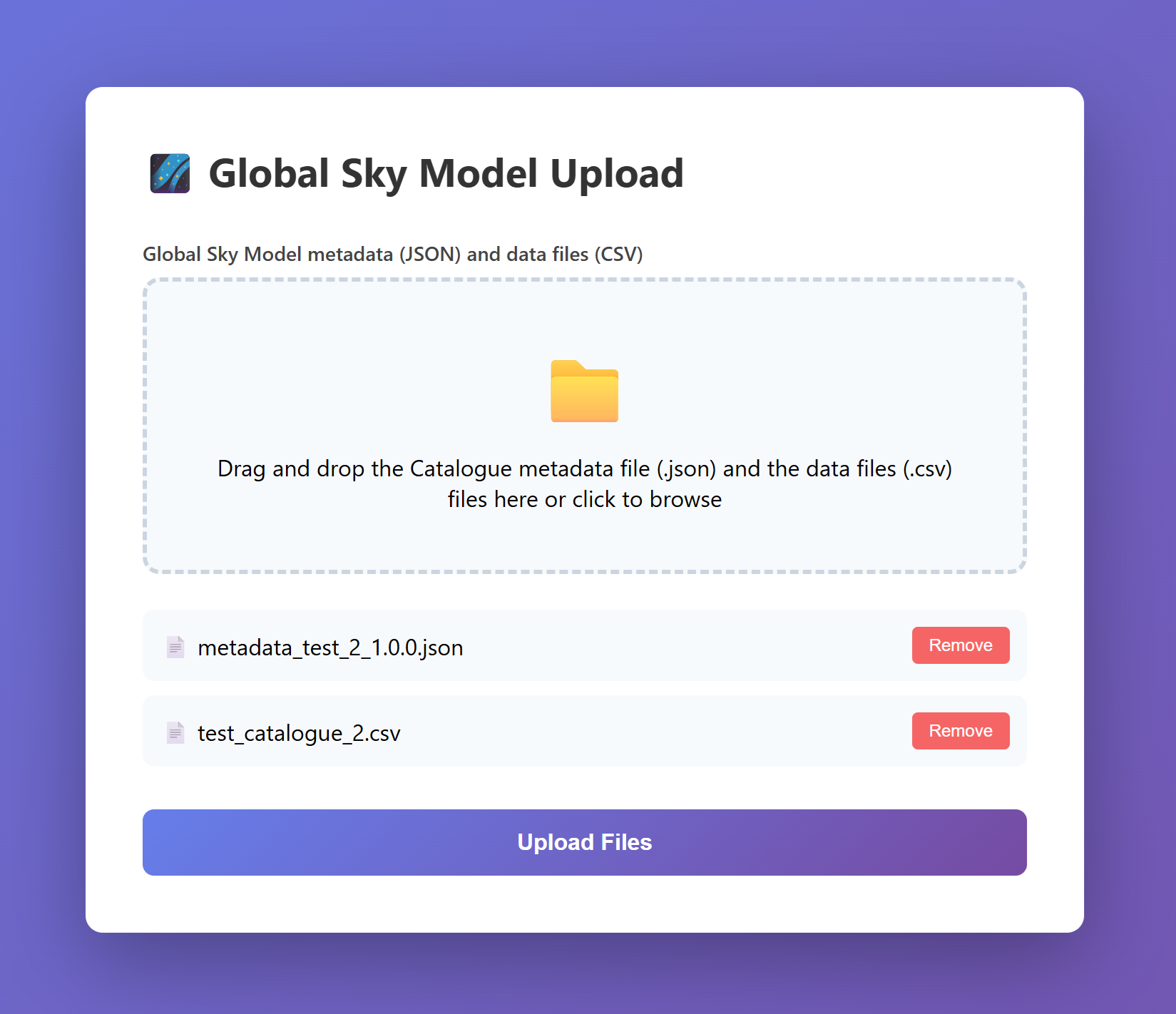
Interface showing files selected for upload
Click “Upload Files” to begin the upload
Monitor the upload progress - status updates automatically
Confirm the upload completed successfully and review the count of staged records
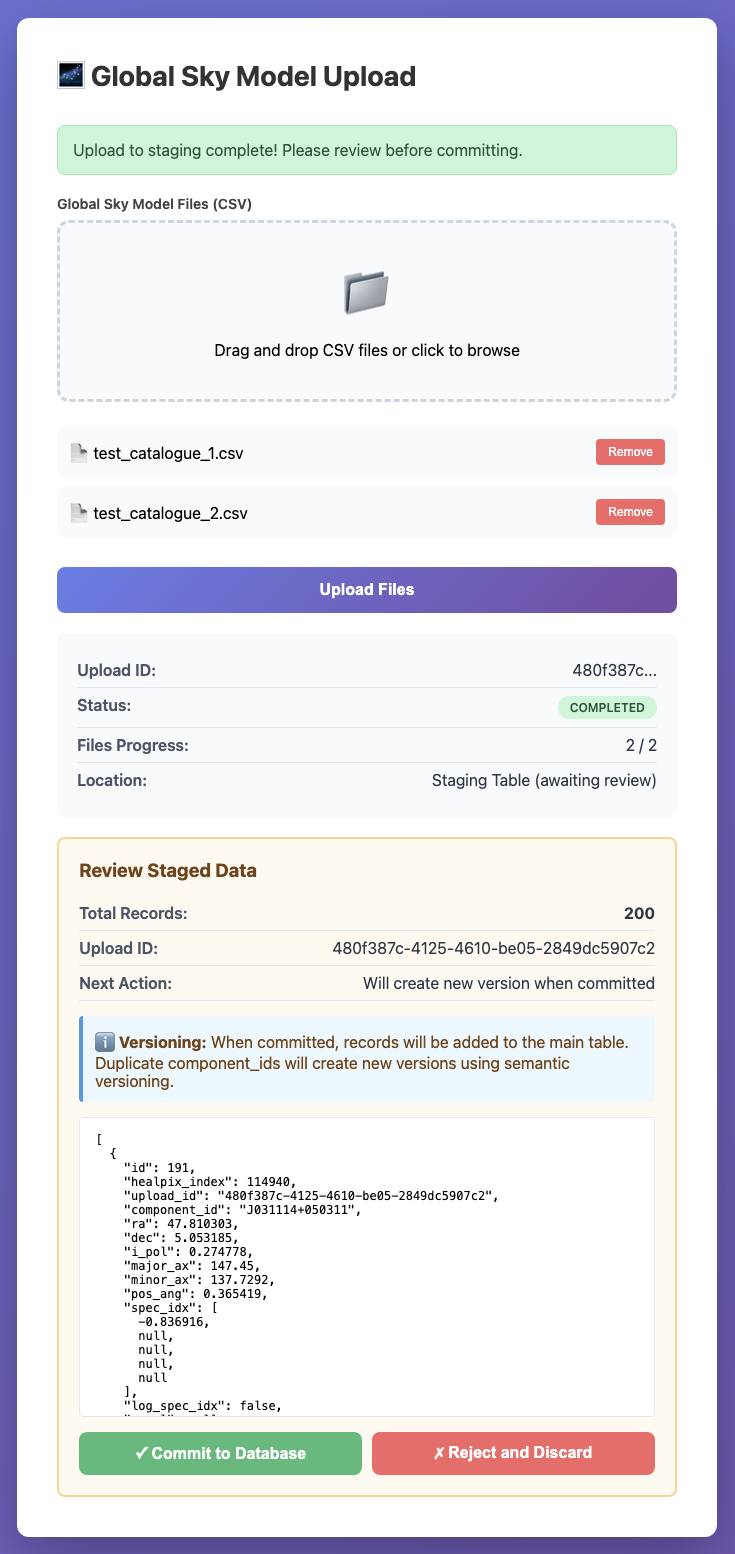
Interface showing files have been uploaded and staged
Click “Commit to Database” to approve or “Reject and Discard” to cancel
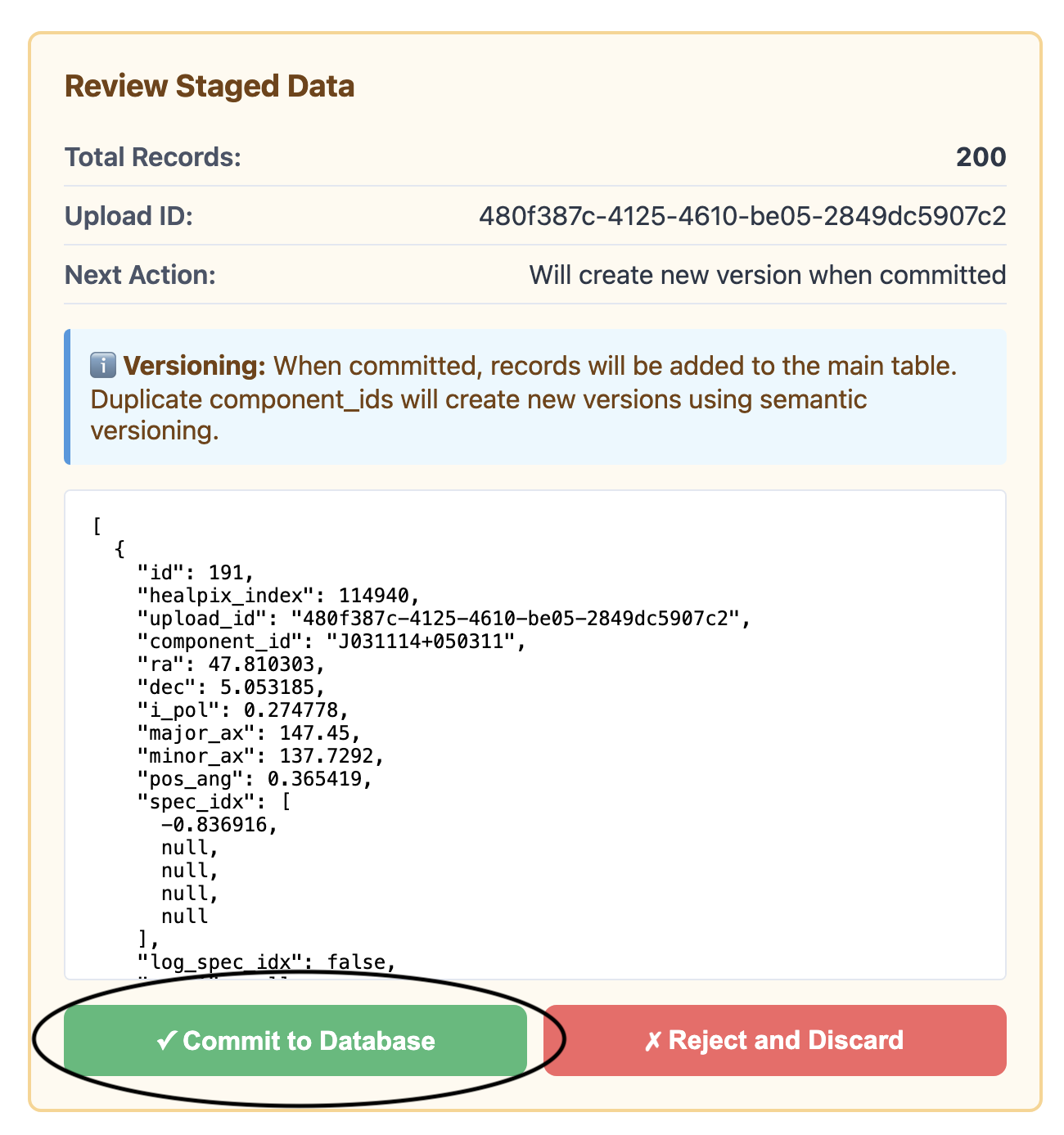
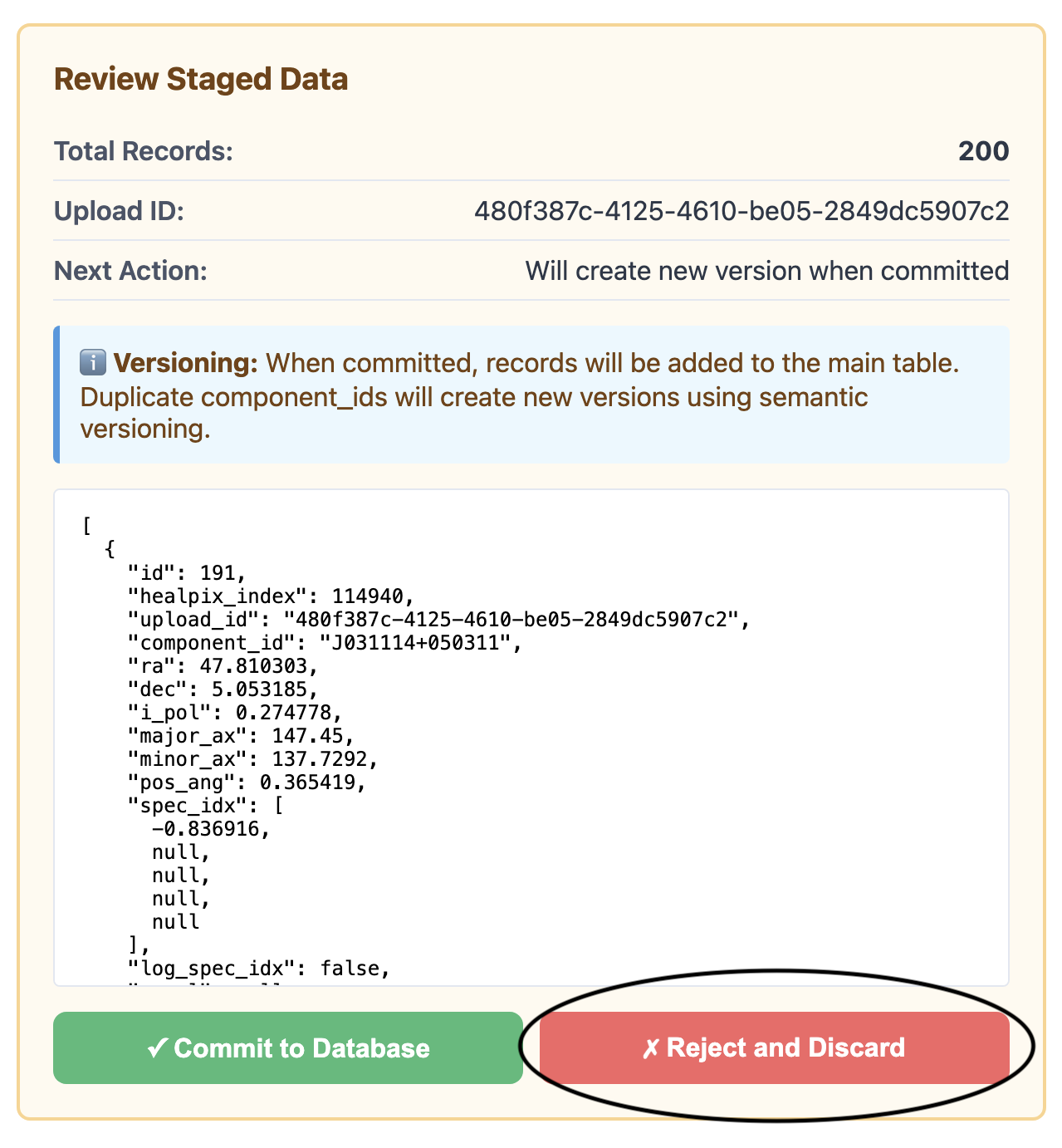
Confirm or reject uploaded data
The browser interface also provides:
Real-time status monitoring
Displays the auto-assigned version of the committed data
Displays errors if upload fails
The expected CSV format is described at CSV file format and examples are shown at CSV Format Examples.
CSV Format Examples
Standardized Format:
The test_catalogue_1.csv and test_catalogue_2.csv files in the test data directory demonstrate
the required standardized format:
component_id,ra_deg,dec_deg,i_pol_jy,a_arcsec,b_arcsec,pa_deg,spec_idx,log_spec_idx
J025837+035057,44.656883,3.849425,0.835419,142.417,132.7302,3.451346,"[-0.419238,,,,]",False
J030420+022029,46.084633,2.341634,0.29086,137.107,134.2583,-0.666618,"[-1.074094,,,,]",False
These test catalogues contain 100 components each and are used throughout the test suite as reference examples.
Minimal Format:
At minimum, you need the four required columns:
component_id,ra_deg,dec_deg,i_pol_jy
J000001-350001,0.004,-35.0,0.25
J000002-350002,0.008,-35.1,0.23
List Uploads
Fetch all uploads that have been done, and their status.
Example output with some generated uploads:
task_id |
catalogue_id |
upload_id |
status |
reason |
files_uploaded |
last_update |
version |
catalogue_name |
staging |
uploaded_at |
description |
author |
reference |
notes |
freq_min_hz |
freq_max_hz |
1 |
1 |
1aedb049-5fb2-4746-8755-3fabbf4a0afb |
completed |
None |
1 |
2026-06-17 10:33:05.862381 |
0.1.0 |
generic |
False |
2026-06-17 08:33:04.297062 |
Generated Catalogue |
None |
None |
None |
None |
None |
2 |
2 |
b8ef4887-043c-497a-a841-e2920ff6cd51 |
staged |
None |
1 |
2026-06-17 10:42:56.428036 |
None |
generic |
True |
2026-06-17 08:42:56.339189 |
Generated Catalogue |
None |
None |
None |
None |
None |
3 |
None |
cf04a6cc-e2f8-488b-855b-96464ae67126 |
failed |
Rejected by user |
1 |
2026-06-17 10:43:03.841103 |
None |
None |
None |
None |
None |
None |
None |
None |
None |
None |
Status definitions:
completed- A fully uploaded and released version.staged- A catalogue that was uploaded, but not committed yet.failed- A rejected upload. The reason for it is stored in thereasoncolumn.