Search filters
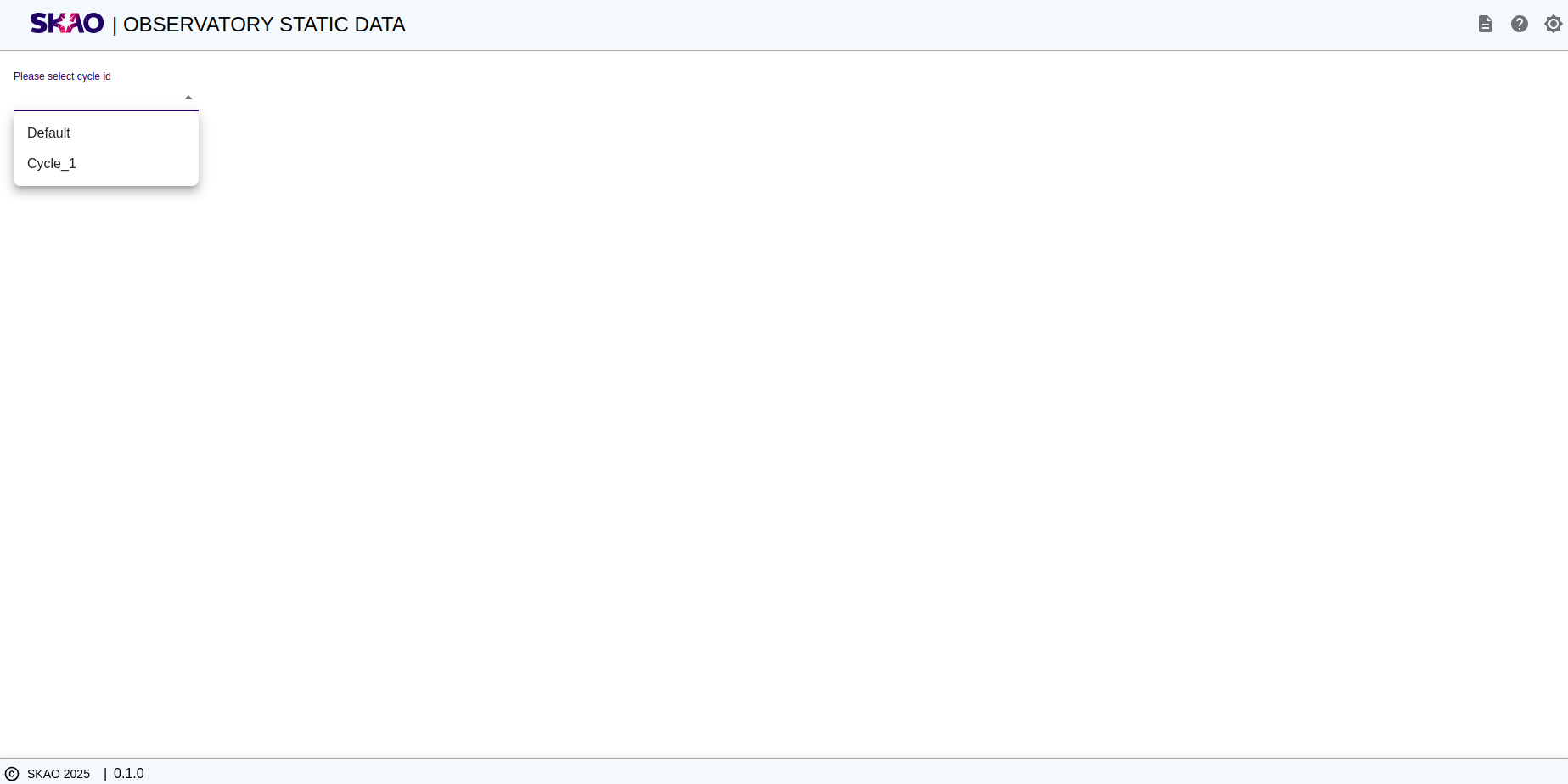
Selecting Cycle ID
User will be able to select cycle ID from given dropdown on UI as shown below image.
View Cycle details
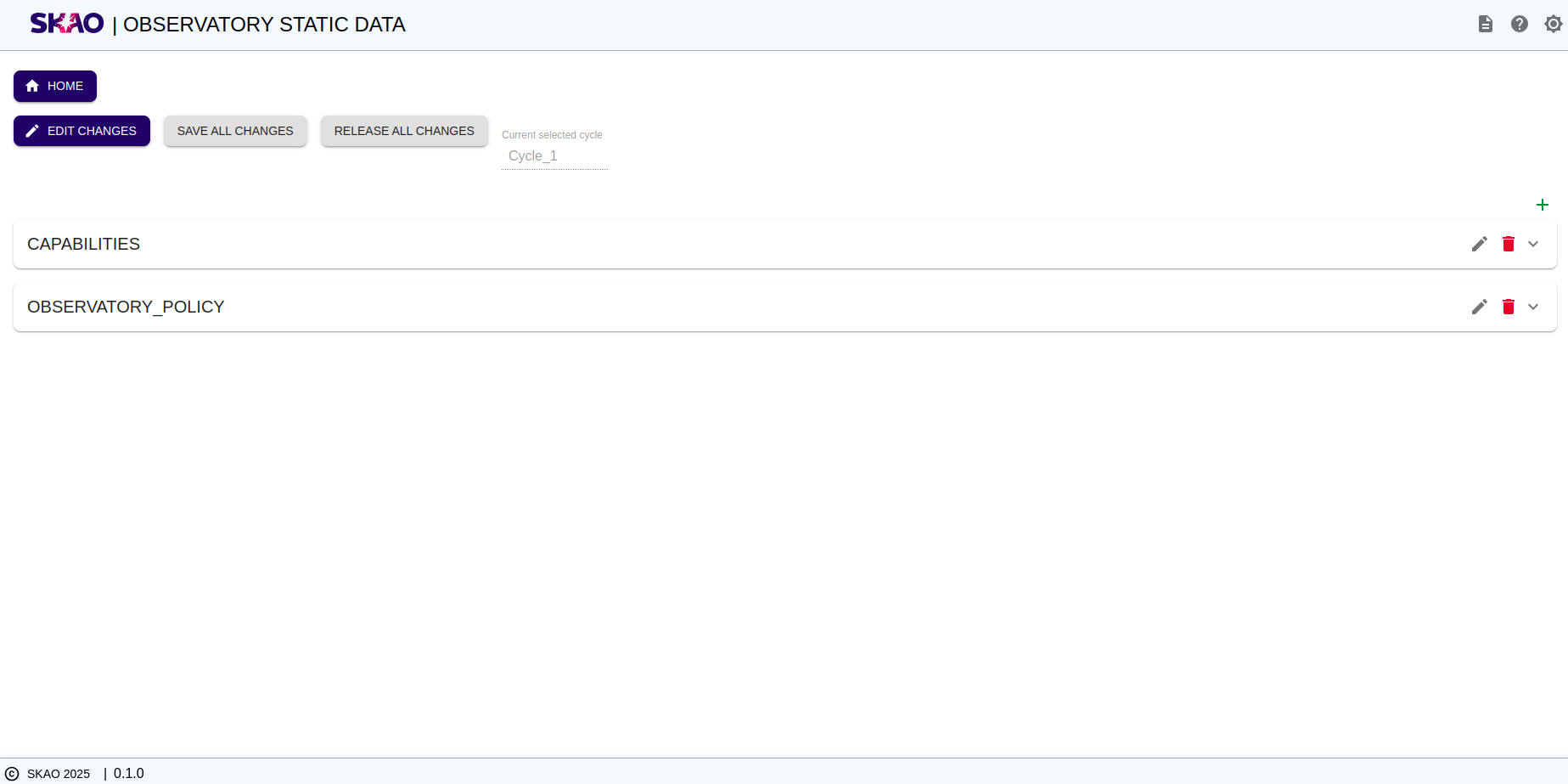
User will be able to view the details of mid capabilities and observatory policy by expanding respective panel displayed on UI as shown in below image.
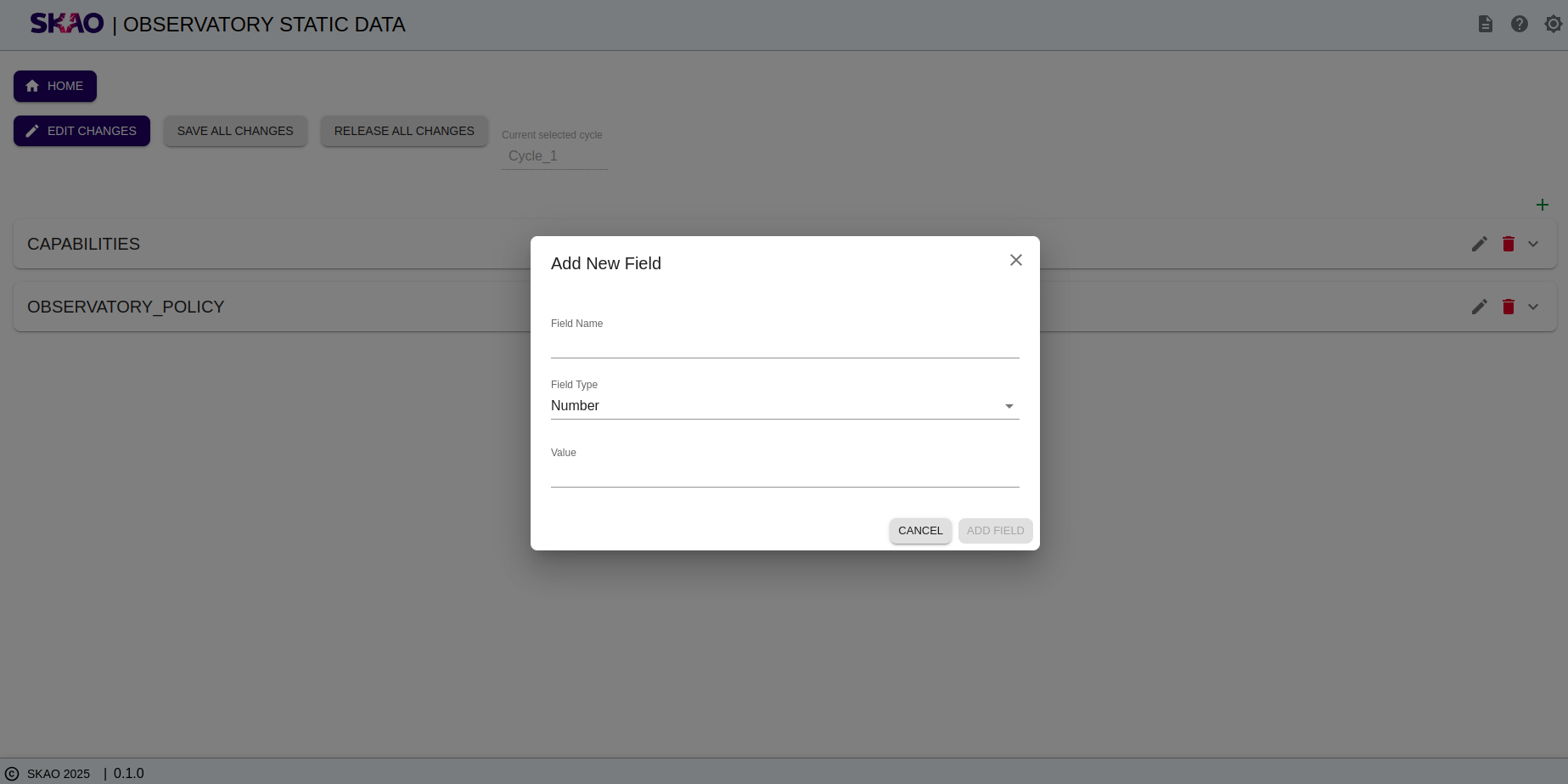
Add new field
User will be able to add new attributes with its type and value by clicking on  icon then a modal will open to add new attributes as shown in below image.
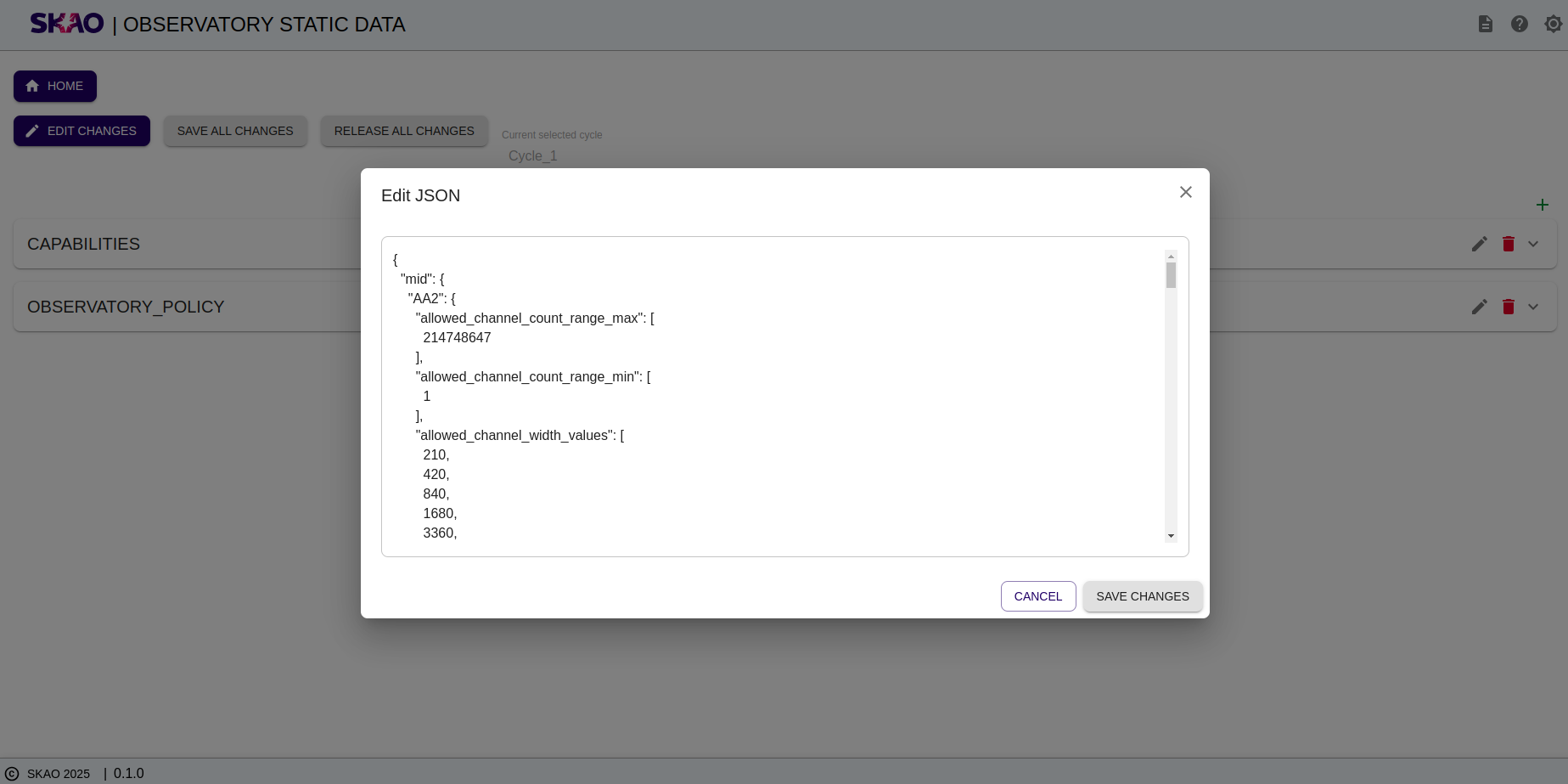
Edit JSON
User will be able to edit any attributes with its type and value by clicking on  icon then a modal will open which displays json data which user can edit in json structure itself as shown in below image.
Delete attributes
User will be able to delete any attributes for json structure by clicking on  icon then the respective attribute will be removed form json structure.
Save all changes
User will be able to save all changes by clicking on  button on UI then all changes done by the user will get saved.
Release all changes
User will be able to release the changes by clicking on  button then a release process will get run at the backend and user will get notified whether the release was successfull or not.